Brand kit
Assets for websites, presentations and press.
Download the full guide as a PDFLogo
promptbook


ptbk

Blue symbol

White symbol
Artwork for white and blue backgrounds is transparent. The black version includes its black background in the file. SVGs contain vector paths, including the wordmark. Also available as a ZIP
Using the logo
Leave at least ¼ of the symbol height on every side. For the full logo, measure using its symbol.

Symbol: 32 px wide. Full logo: 160 px wide. Check print legibility at the actual output size.
Six equal sides and 120° interior angles. Preserve the logo’s aspect ratio.
Colors
#17386C#111318#1B2739#EEF4FB#FFFFFF#000000Typography
Body 400 · emphasis 500–700
Promptbook hands ongoing work to AI agents that run on your computer or server and follow your rules.
The full wordmark uses Inter Medium (500) for “prompt” and Inter Bold (700) for “book” at the same size. The entire “ptbk” abbreviation uses Inter Medium (500).
Příliš žluťoučký kůň úpěl ďábelské ódy. 0123456789
Download the fonts
Install the TTF files on your computer to edit presentations and SVGs. For websites, use WOFF2 and the included stylesheet. Both families include Czech characters and use SIL OFL 1.1; author credits and licences are included.
Copy to use
Write Promptbook in text. The visual wordmark is promptbook, without a dot.
The official abbreviation is ptbk and is written in lowercase. Use the same spelling for the CLI command.
Main message
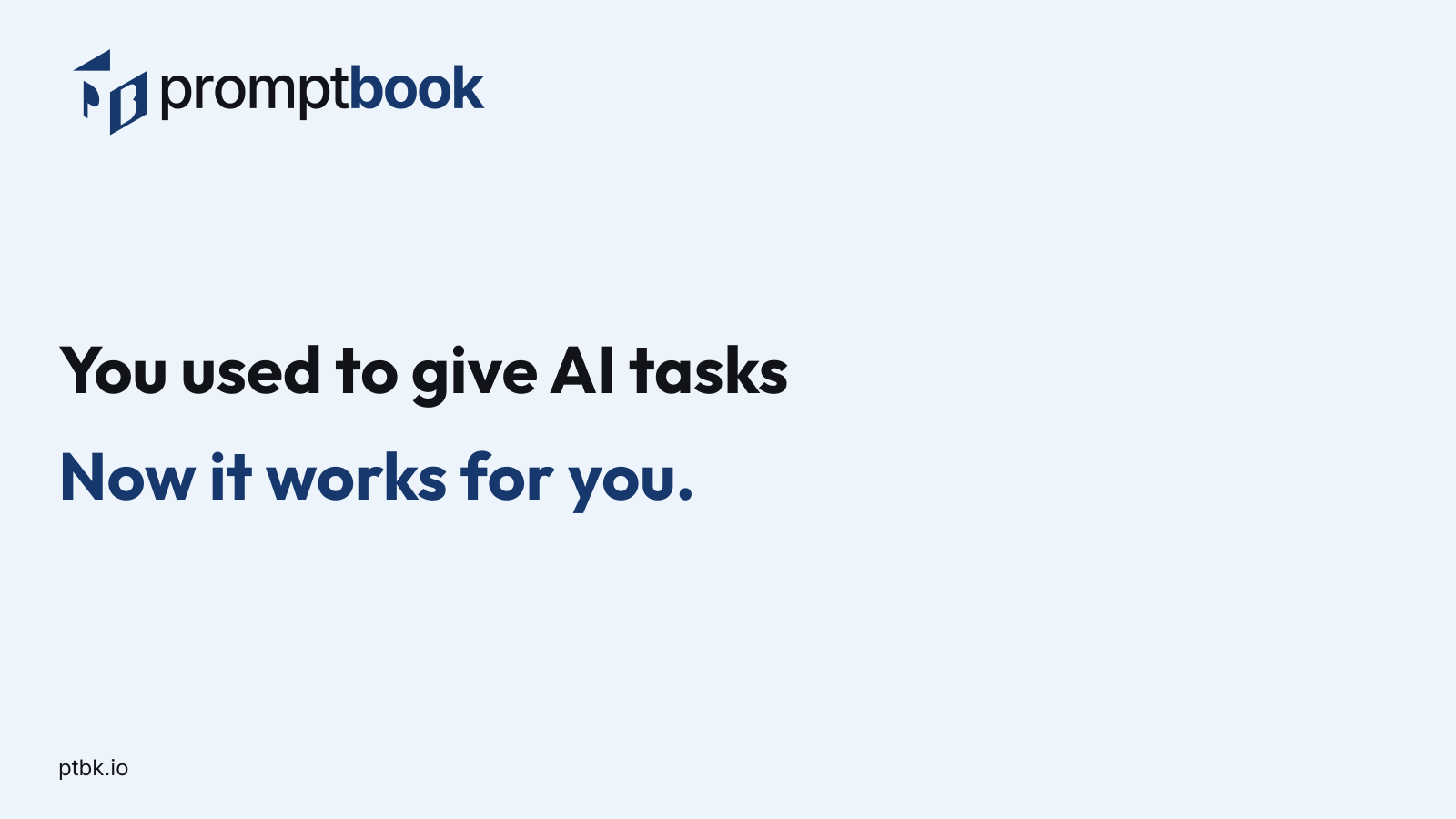
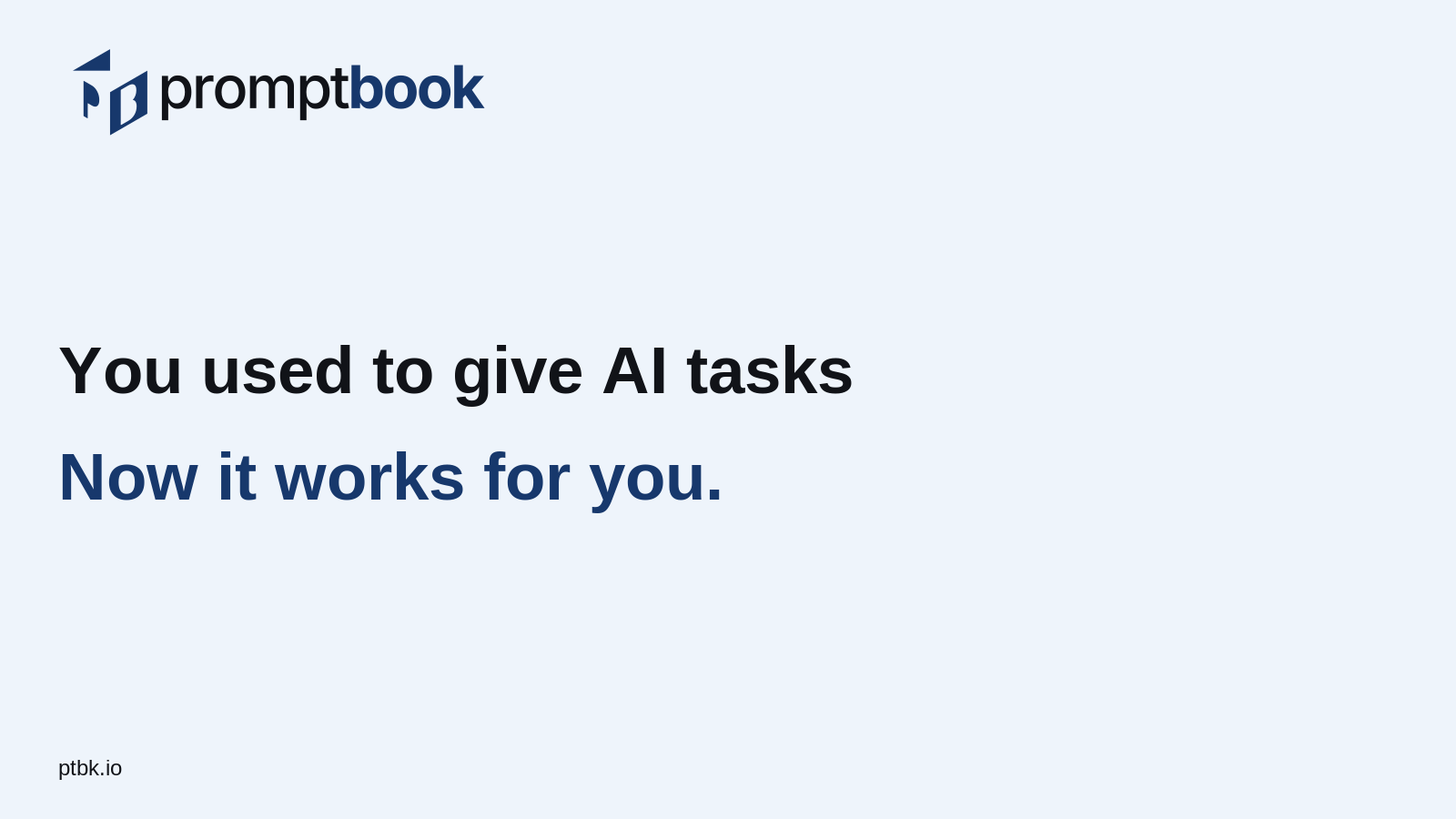
You used to give AI tasks. Now it works for you.
One sentence
Promptbook hands ongoing work to AI agents that run on your computer or server and follow your rules.
Short description
Hand over a responsibility. Set the rules. Start your agents. They work independently. They ask only when they need you. You can check in at any time. The engine runs on your computer or server, with your files and your choice of models.
“Agents draft a reply using your CRM history.” Instead of “Revolutionary AI transforms your business.”
Templates






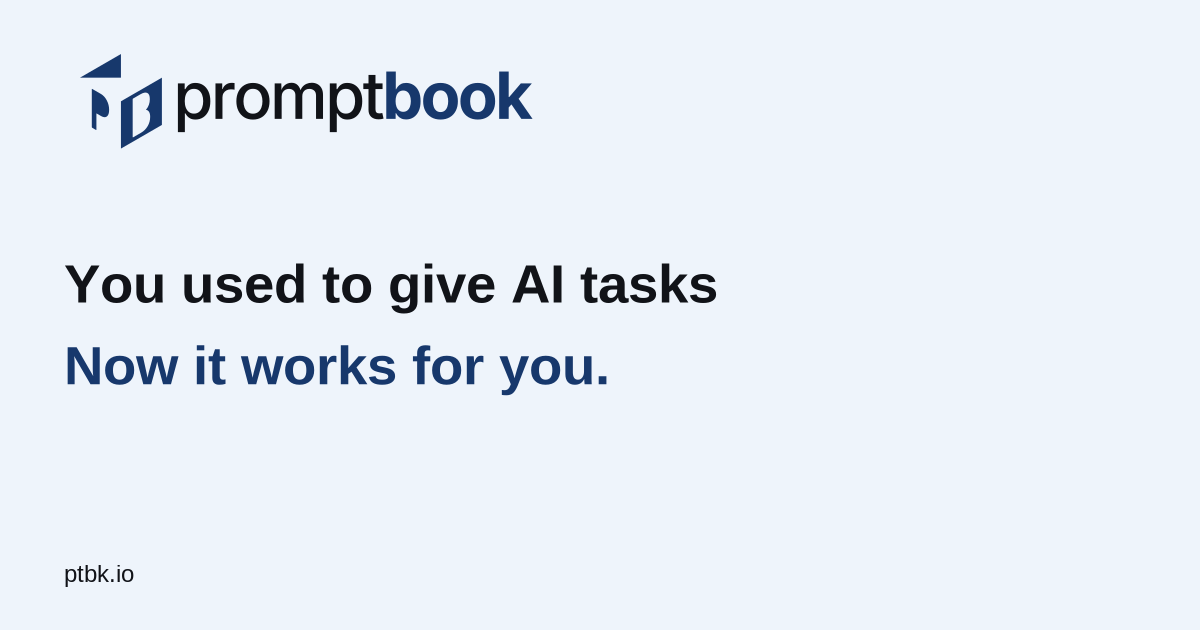
AI agents for our clients
SVG templates are editable and use Exo 2 and Barlow. Install the included fonts first. PNGs have the fonts rendered in.
Promptbook robot
The mascot accompanies examples of agents on the web, in slides and in animations. Use the Promptbook logo to identify the brand.
Drag to rotate the model, or swipe horizontally on a touch screen. Use the buttons to select a fixed view.
Downloads
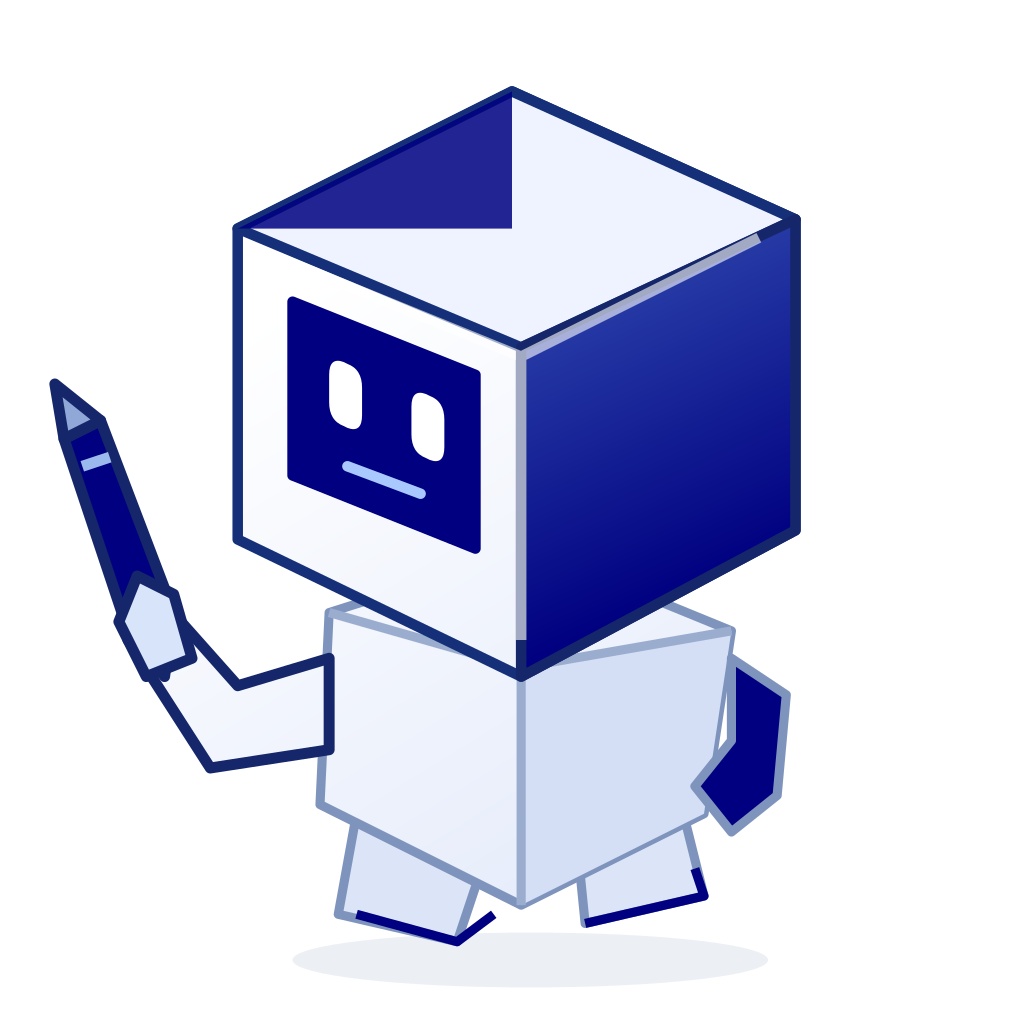
The GLB contains the working pose. In Blender, choose File → Import → glTF 2.0 and open the downloaded file. The head, torso, feet, arms and pen are separate named parts.
Making your own poses
- The torso edge is 61.8% of the head edge. Each foot is 44% of the torso edge. Place the feet diagonally under the torso with a gap between them.
- Keep the arms as continuous L shapes. Leave space between the free arm and the chin. From the front, the pen passes through the center of the left grip.
- Keep the ink-blue triangle on top, the pale surfaces and the dark screen with a pixel expression.
Five poses
Pen in its grip and a pixel smile. The default pose for the homepage and examples of work.
A slight head tilt, changed eyes and a neutral mouth. Use while the character looks for an answer.
The head rises above the torso. Use when the character comes together or changes form.
A little hop and a lift of the free arm. Use to acknowledge completed work.
Closed eyes and a relaxed expression. Use while waiting or paused.